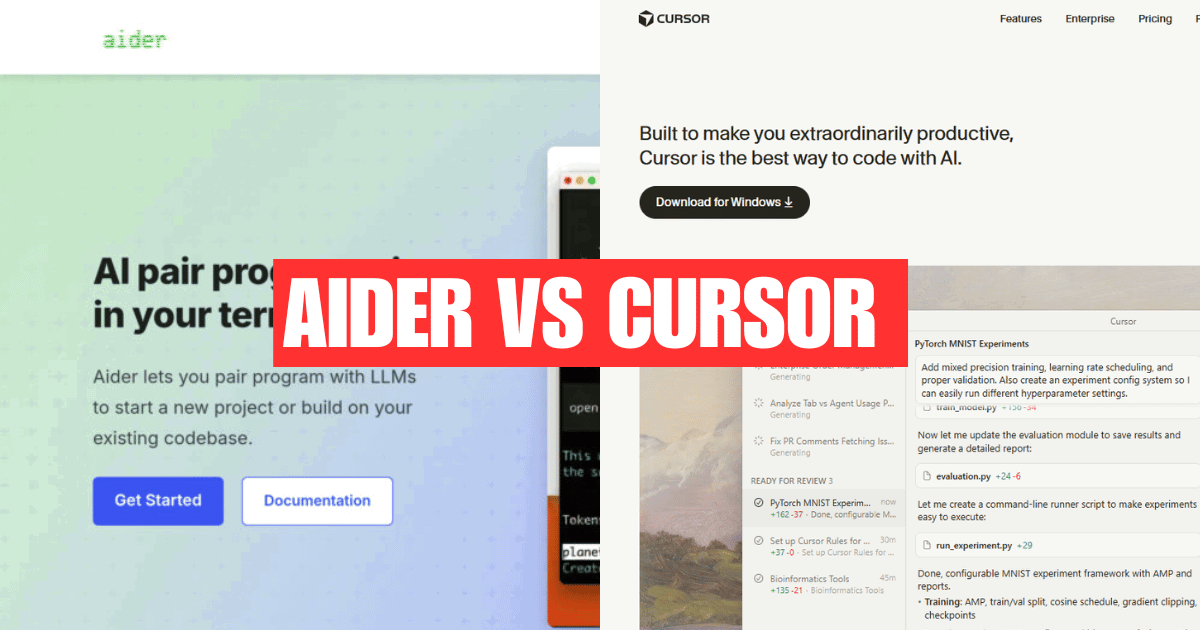
Aider vs Cursor: Which AI Coding Assistant Should You Choose in 2025?
AI coding is often misunderstood as smart autocomplete tools that finish lines of code or suggest the next function. While helpful, autocomplete represents only a small fraction of what AI can do in modern software development.
True AI coding is about delegation, not prediction.
Instead of asking, “What code should I type next?”, developers ask, “Can you implement this feature, refactor this module, or update these tests?” The AI operates at the task level, understanding intent, navigating the codebase, and making coordinated changes across files.
In this model, AI behaves more like a pair programmer or junior engineer:
- It reads existing code for context
- Modifies multiple files when needed
- Follows project structure and conventions
- Helps with refactors, tests, and bug fixes not just snippets
This shift changes how developers work. Productivity is no longer about typing faster, but about expressing intent clearly and letting AI handle execution. Tools like Aider and Cursor both support AI coding but they approach it in very different ways.
Two Different Approaches to AI Coding
Modern AI coding tools generally fall into two categories: assistive AI and agentic AI. Understanding this distinction is key to choosing between Aider and Cursor.
Assistive AI (Editor-First Approach)
Assistive AI is designed to help developers while they write code. It lives inside the editor, offering:
- Autocomplete suggestions
- Inline edits
- Natural-language commands
- Real-time feedback
Cursor represents this approach well. It feels like an enhanced IDE where AI is always present, guiding and accelerating your work. You stay in control of the code, and the AI assists at each step.
This approach is ideal for:
- Fast iteration
- Frontend or UI-heavy work
- Developers new to AI-assisted coding
However, assistive AI often stays close to the current file or context. It’s powerful, but typically reactive rather than autonomous.
Agentic AI (Task-First Approach)
Agentic AI flips the workflow. Instead of assisting keystrokes, it executes high-level instructions.
With tools like Aider, developers describe what they want done, and the AI:
- Analyzes the codebase
- Decides which files to change
- Applies updates across the project
- Commits changes with version control
This feels less like autocomplete and more like delegating work to an engineer. The focus is on outcomes, not edits.
Agentic AI works best when:
- Codebases are large or complex
- Changes span multiple files
- Transparency and Git history matter
- Developers think in tasks, not lines of code
The tradeoff is that it requires a mindset shift. Instead of constantly steering the AI, you must trust it with responsibility and review its output thoughtfully.
What Is Aider?
Aider is an open-source, terminal-based AI coding assistant built for developers who want to work with AI at the task level rather than line by line. Instead of living inside an IDE, Aider connects directly to your Git repository and allows you to chat with AI about your codebase.
When you ask Aider to implement a feature or refactor a component, it reads the relevant files, applies changes across the project, and commits the updates using Git. This makes every AI-generated change transparent, reviewable, and reversible.
Aider supports multiple large language models, including OpenAI, Anthropic, and local models, giving teams flexibility over performance, cost, and privacy. Because it works directly with files and version control, Aider feels less like autocomplete and more like pair-programming with an AI engineer.
Aider is best suited for:
- Developers comfortable working in the terminal
- Large or existing codebases
- Task-driven, agentic AI workflows
Teams that value Git-first transparency
What Is Cursor?
Cursor is an AI-first code editor built on top of Visual Studio Code. It integrates AI deeply into the IDE experience, combining autocomplete, chat, and natural-language editing into a single, polished interface.
Cursor indexes your entire codebase, allowing it to provide context-aware suggestions, explain code, and apply edits across multiple files. Developers can highlight code, describe what they want in plain English, and let Cursor generate or modify code directly inside the editor.
Unlike terminal-based tools, Cursor emphasizes real-time interaction. AI suggestions appear as you type, bugs can be fixed with simple prompts, and refactors can be triggered without leaving the IDE. This makes Cursor feel intuitive, especially for developers already familiar with VS Code.
Cursor is best suited for:
- IDE-centric workflows
- Fast iteration and prototyping
- Frontend or product-focused development
- Teams new to AI-assisted coding
Aider vs Cursor — Feature Comparison
| Feature | Aider | Cursor |
|---|---|---|
| Interface | Terminal-based | GUI-based (VS Code fork) |
| AI Interaction | Task-level instructions, chat | Autocomplete, chat, natural-language edits |
| Coding Style | Agentic, outcome-driven | Assistive, editor-driven |
| Codebase Awareness | Reads and modifies real project files | Indexes entire codebase for context |
| Version Control | Git-first, every AI change committed | Git support via IDE workflow |
| LLM Support | Multiple models, including local LLMs | Primarily hosted proprietary models |
| Setup & Learning Curve | Lightweight, terminal-focused | Easy for VS Code users |
| Best For | Large codebases, refactors, agent workflows | Fast iteration, UI work, productivity boosts |
Workflow Comparison (Real-World Scenarios)
Understanding how Aider and Cursor perform in real development situations makes the difference between choosing a tool that merely feels good and one that truly scales with your workflow.
Shipping a new feature
With Aider, you describe the feature at a high level what it should do, where it fits, and any constraints. The AI then updates multiple files, adjusts logic, and commits the changes in one go. This feels like delegating a task to a teammate.
Cursor, by contrast, helps you build the feature interactively. You write code in the editor while AI suggestions, edits, and chat guidance speed things up step by step.
Refactoring legacy code
Aider excels here. It can analyze older code, refactor across files, and preserve structure while tracking every change through Git commits.
Cursor can assist with refactors too, but these are typically more manual and incremental, relying on the developer to guide the process inside the IDE.e it.
Writing and updating tests
Aider can generate or update tests as part of a broader task, such as “add validation and update tests accordingly.”
Cursor makes test writing faster through autocomplete and inline suggestions, but the developer remains more hands-on.
Handling context-heavy logic
For complex, cross-file logic, Aider’s agentic approach shines because it reasons about the codebase as a whole.
Cursor works best when context can be handled in smaller chunks within the editor.
Agentic Coding vs Assistive Coding (Key Difference)
The most important difference between Aider and Cursor is not features—it’s how you think while using them.
Assistive coding (Cursor) keeps the developer in the driver’s seat. The AI reacts to what you’re doing:
- Suggesting code
- Fixing errors
- Refactoring small sections
- Answering questions in chat
This approach feels familiar and safe, especially for developers transitioning into AI-assisted workflows.
Agentic coding (Aider) shifts responsibility to the AI. You define the goal, and the AI figures out how to achieve it:
- Deciding which files to modify
- Applying coordinated changes
- Committing results for review
Agentic coding rewards developers who think in outcomes rather than keystrokes. It can feel uncomfortable at first, but it often delivers far greater leverage for large or complex projects.
Privacy, Security & Team Considerations
Privacy and security matter, especially in professional or enterprise environments.
Aider offers flexibility by supporting different LLM backends, including local models. This makes it attractive for teams that want tighter control over where their code and data go. Since it operates through Git, all changes remain auditable and transparent.
Cursor provides built-in privacy features such as a dedicated privacy mode and enterprise-grade security practices. For teams that want AI assistance without managing models or infrastructure, this can be a major advantage.
From a team perspective:
- Aider works well for experienced developers who value transparency and control.
- Cursor fits teams that prioritize onboarding speed, collaboration, and a shared IDE-based workflow.
Which Tool Should You Choose? (Quick Decision Guide)
Choose Aider if:
- You work with large or legacy codebases
- You prefer terminal-based workflows
- You want every AI change tracked in Git
- You’re interested in agentic, task-driven coding
Choose Cursor if:
- You prefer an IDE-first experience
- You want fast iteration with AI autocomplete
- Your team is new to AI-assisted development
- You work heavily on frontend or product code
In short:
Cursor is the best on-ramp to AI coding.
Aider is the better force multiplier once you’re comfortable delegating real work to AI.
Final Verdict
Aider and Cursor are both excellent AI coding tools but they solve different problems.
Cursor is ideal if you want AI woven directly into your IDE. It’s intuitive, fast, and perfect for developers who want immediate productivity gains through autocomplete, chat, and inline edits. For many teams, Cursor is the easiest way to start working with AI-assisted coding.
Aider, on the other hand, shines when you move beyond assistance into true agentic coding. It’s designed for developers who want to delegate real tasks to AI—refactors, multi-file changes, and feature implementations—while keeping everything transparent through Git commits. For large or complex codebases, Aider often delivers more leverage.
In simple terms:
- Cursor helps you code faster
- Aider helps you think and ship at a higher level
The best choice depends on your workflow, your comfort with AI, and how much responsibility you want to hand over to it.
Frequently Asked Questions (FAQ)
1. What is the main difference between Aider and Cursor?
The main difference is how they approach AI coding. Cursor focuses on assistive AI, helping developers with autocomplete, chat, and inline edits inside an IDE. Aider focuses on agentic AI, where you instruct the AI to complete tasks and it applies changes across the codebase with Git-tracked commits.
2. Is Aider better than Cursor for large codebases?
Yes, Aider is generally better for large or legacy codebases. Its task-driven, Git-first workflow allows the AI to make coordinated changes across multiple files while keeping everything transparent and reviewable.
3. Is Cursor suitable for beginners?
Yes. Cursor is more beginner-friendly because it provides a familiar IDE experience with real-time suggestions and guidance. Developers new to AI-assisted coding often find Cursor easier to adopt.
4. Can Aider and Cursor be used together?
Yes. Some developers use Cursor for day-to-day coding and quick edits, and Aider for larger refactors or task-level changes. They complement each other well rather than being strict alternatives.
5. Does Aider support local or self-hosted AI models?
Yes. Aider supports multiple LLMs, including local and self-hosted models, making it a good option for teams with strict privacy or compliance requirements.
6. Does Cursor store or train on your code?
Cursor offers a privacy mode and follows enterprise security practices such as SOC 2 compliance. Code handling depends on the selected privacy settings and underlying AI providers.
7. Which tool is better for agentic coding?
Aider is better suited for agentic coding because it is designed around high-level instructions and task execution, rather than step-by-step assistance.
8. Which tool should startups choose: Aider or Cursor?
Startups often start with Cursor for speed and ease of use. As projects grow and codebases become more complex, Aider can provide greater leverage for refactors and large-scale changes.
9. Is Aider free to use?
Aider is open source and free to use, but you may need to pay for API access depending on which AI model you connect it to.