Best Teleprompter Apps for Online Presentations and Meetings in 2026
10 teleprompter apps tested across Zoom calls, Google Meet presentations, webinars, recorded demos, and video scripts.
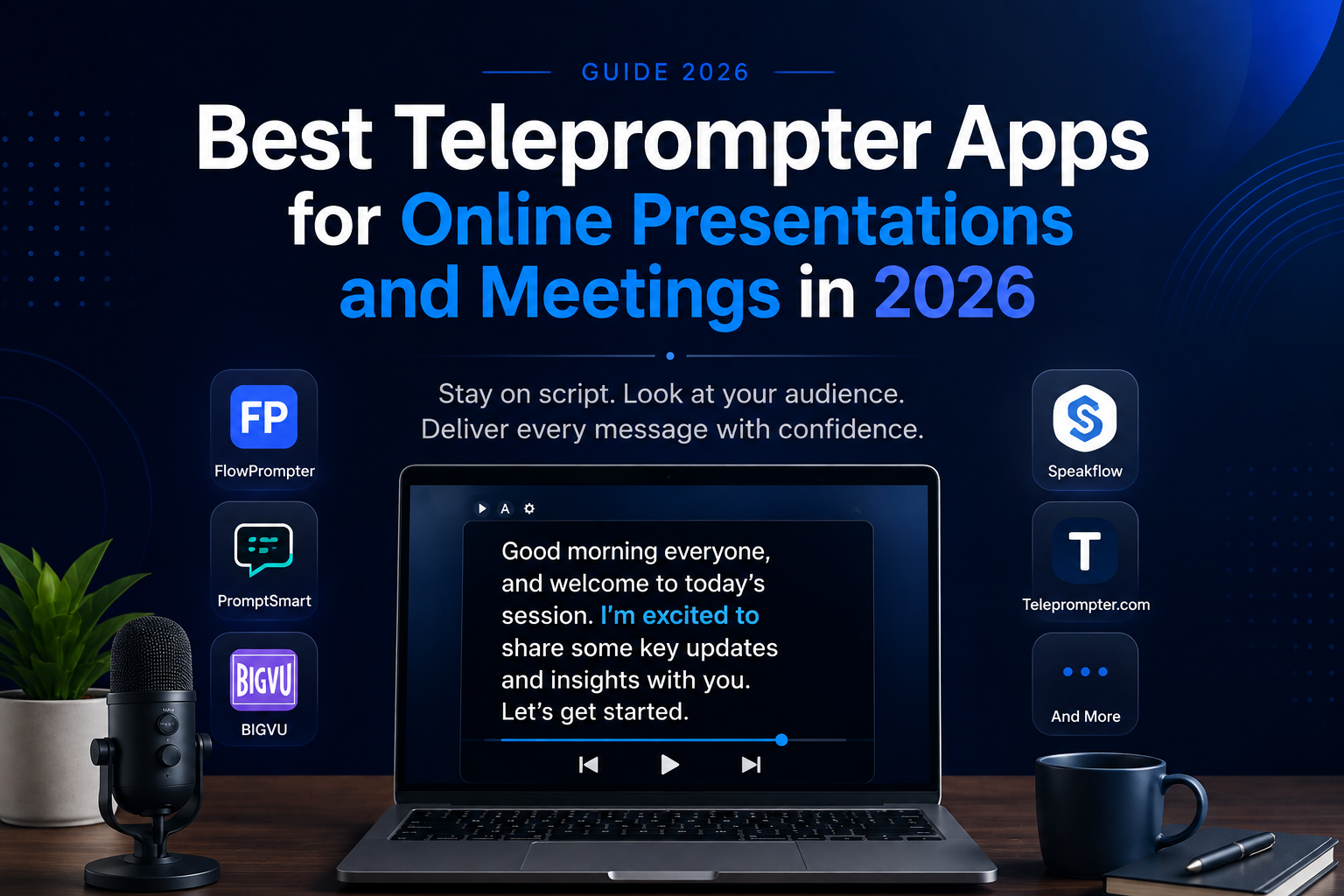
TL;DR
If you regularly present on Zoom, Google Meet, Microsoft Teams, webinars, or recorded product demos, the biggest challenge usually isn't knowing what to say — it's delivering it naturally without constantly looking away from the camera. We compared 10 teleprompter tools based on how well they work during real online presentations and meetings.
The short version: FlowPrompter is one of the strongest options for presenters who want a teleprompter that works naturally alongside online meetings. PromptSmart stands out for voice-controlled scrolling, BIGVU is better suited to video creators who also need recording and editing tools, and Speakflow is a good browser-based option for presenters who want a simple workflow without installing heavy software.
Top 5 quick picks
| Teleprompter | Best For | Platform / Approach |
|---|---|---|
| FlowPrompter | Online meetings and presentations | Desktop / online presentation workflow |
| BIGVU | Video creation | Teleprompter + video tools |
| Teleprompter.com | Dedicated teleprompting | Multi-device |
| PromptSmart | Voice-following scripts | Voice-tracking teleprompter |
| Speakflow | Browser-based workflows | Web-based |
| Elegant Teleprompter | Simple mobile use | Mobile |
How We Tested
We evaluated each teleprompter across common presentation scenarios rather than looking only at feature lists.
Our test setup included:
- A 20-minute Zoom presentation
- A Google Meet client-style presentation
- A recorded product demo
- A scripted webinar introduction
- A short social video recording
We focused specifically on whether each app actually made speaking easier without making the presenter look like they were obviously reading from a script.
We scored each tool across six areas:
- Eye-contact experience — Can the script stay close enough to the webcam that reading still looks natural?
- Scrolling controls — How easy is it to control speed, pause, resume, and move through the script?
- Meeting compatibility — Does the teleprompter work comfortably alongside Zoom, Google Meet, Microsoft Teams, or screen sharing?
- Script customization — Can you adjust font size, window size, transparency, text position, and reading speed?
- Ease of setup — Can you start presenting quickly, or do you need to configure several things first?
- Value for money — Does the free or entry-level plan provide enough functionality for regular use?
Quick comparison table
All prices are per user, per month, billed annually, in USD, and verified as of July 2026. Several vendors changed pricing mid-year, and most charge more for monthly billing confirm current rates before you buy.
What Is a Teleprompter App?
A teleprompter app displays your prepared script on your screen and automatically or manually scrolls through it as you speak.
Unlike a traditional hardware teleprompter used in television studios, software-based teleprompters can work directly on your computer, browser, tablet, or smartphone.
For online meetings, this can be particularly useful because your script can stay close to your webcam. Instead of repeatedly looking away to read notes, you can maintain more natural eye contact with the people on the call.
Teleprompter apps can be useful for:
- Online presentations
- Zoom and Google Meet calls
- Microsoft Teams meetings
- Webinars
- Sales presentations
- Product demonstrations
- Training sessions
- Online classes
- Interviews
- Video recording
- YouTube and social media content
Best Teleprompter Apps for Online Presentations and Meetings
Detailed reviews what each does well, where it falls short, and who it's for.
1. FlowPrompter
Best for: Online meetings and presentations
FlowPrompter is a practical teleprompter solution designed to help users keep their scripts accessible while presenting or participating in online meetings.
Instead of switching between your presentation, notes, and meeting window, FlowPrompter allows you to keep the content you need available while speaking. This can be particularly helpful when delivering longer presentations, attending important meetings, recording content, or following a carefully prepared script.
For professionals who frequently use platforms such as Zoom, Google Meet, or Microsoft Teams, having talking points conveniently positioned on the screen can make presentations easier to manage.
Why consider FlowPrompter?
- Useful for online presentations and meetings
- Helps speakers follow prepared scripts and talking points
- Reduces the need to constantly look away from the screen
- Suitable for professional meetings, presentations, and video content
- Helps presenters maintain a more consistent speaking flow
Best for: Professionals, presenters, remote workers, educators, sales teams, and content creators who want easy access to scripts during online communication.
2. BIGVU
Best for: Video creation and presentations
BIGVU combines teleprompter functionality with a broader collection of video creation tools. It is particularly useful for creators and professionals who want to record scripted videos without repeatedly memorizing their content.
Users can prepare a script, display it while recording, and then continue working on their video within the platform.
This makes BIGVU especially useful for marketing videos, educational content, social media videos, and business presentations.
Key advantages:
- Built-in teleprompter
- Video recording tools
- Script-based recording workflow
- Useful for social media and business videos
- Additional video creation and editing features
Best for: Content creators, marketers, educators, and professionals producing regular video content.
3. Teleprompter.com
Best for: Creators who want a dedicated teleprompter
Teleprompter.com provides tools specifically designed around reading scripts naturally while recording or presenting.
The platform can be useful when you have longer scripts and want more control over how your text appears while speaking. Instead of memorizing entire presentations, you can focus more attention on your delivery.
Key advantages:
- Dedicated teleprompter experience
- Adjustable scrolling options
- Suitable for longer scripts
- Useful for presentations and video recording
- Available across multiple devices
Best for: Speakers, educators, creators, and professionals who regularly work from prepared scripts.
4. PromptSmart
Best for: Voice-following teleprompter functionality
One of the challenges with traditional teleprompters is keeping the scrolling speed synchronized with your speaking speed.
PromptSmart approaches this problem with voice-tracking technology. Rather than relying entirely on a fixed scrolling speed, the teleprompter can follow the speaker's delivery.
This can provide more flexibility when you pause, change your speaking pace, or spend additional time explaining a particular point.
Key advantages:
- Voice-based script tracking
- Flexible speaking pace
- Useful for speeches and presentations
- Reduces dependence on fixed auto-scrolling
- Suitable for recorded and live content
Best for: Speakers who don't want to adjust their speaking speed to match a traditional scrolling teleprompter.
5. Speakflow
Best for: Browser-based teleprompter workflows
Speakflow provides a web-based approach to teleprompting, making it convenient for people who prefer working directly from their browser.
It can be useful for presentations, video production, speeches, and other situations where a prepared script needs to remain easily accessible.
Browser-based tools can also be convenient for users who frequently switch between computers or don't want their workflow to depend entirely on a traditional desktop application.
Key advantages:
- Browser-based workflow
- Script management
- Designed for presentations and video production
- Useful for individuals and collaborative workflows
- Accessible without a traditional teleprompter setup
Best for: Remote professionals, creators, teams, and presenters who prefer browser-based tools.
6. Elegant Teleprompter
Best for: Simple mobile teleprompting
Not everyone needs an advanced teleprompter platform. Sometimes you simply need your script to scroll clearly on your phone or tablet while you speak.
Elegant Teleprompter offers a more straightforward approach for users who want basic teleprompting functionality without an overly complicated workflow.
This makes it useful for quick presentations, speeches, video recordings, and mobile content creation.
Key advantages:
- Straightforward interface
- Mobile-friendly
- Adjustable script presentation
- Suitable for simple recording setups
- Easy option for basic teleprompting
Best for: Mobile creators and users looking for a straightforward teleprompter.
How to Use a Teleprompter Naturally During Online Presentations
Using a teleprompter doesn't mean you should read every sentence mechanically.
The goal is to use your script as guidance while still communicating naturally.
Keep the Text Close to Your Webcam
Position your teleprompter window near your camera. This reduces noticeable eye movement and makes it easier to maintain virtual eye contact.
Write for Speaking, Not Reading
A script designed for an article often sounds unnatural when spoken aloud.
Use shorter sentences, conversational language, and clear transitions.
For example, instead of writing:
"The implementation of this solution provides organizations with numerous opportunities for productivity enhancement."
You could simply say:
"This can help teams work more efficiently."
Don't Put Everything in Your Script
For many presentations, bullet points work better than complete paragraphs.
Include:
Important statistics
Names
Key messages
Difficult terminology
Transitions
Calls to action
Then explain the rest naturally.
Teleprompter Apps vs. Regular Meeting Notes
Regular notes are perfectly adequate for many meetings.
However, notes often require you to repeatedly look away from your webcam, particularly when they're displayed on another monitor or in a document beside your meeting window.
A teleprompter can be more useful when:
- You need to deliver an important prepared message
- Exact wording matters
- You're presenting to clients or executives
- You're recording a professional video
- You have several important points to remember
- Maintaining eye contact is important
For informal meetings or brainstorming sessions, traditional notes may still be the simpler choice.
Are Teleprompter Apps Worth Using?
For people who frequently give online presentations, record videos, conduct webinars, or speak during important virtual meetings, a teleprompter can be a valuable addition to their workflow.
The biggest benefit isn't simply reading a script. It's reducing the mental effort required to remember every detail while you're speaking.
With your key points available on screen, you can spend more attention on your tone, pace, audience, and overall presentation.
The verdict
There is no single teleprompter app that's perfect for everyone. If your priority is online meetings and presentations, FlowPrompter is worth considering because its use case fits naturally into virtual communication workflows.
If you're primarily producing videos, platforms such as BIGVU may provide a broader set of creation tools. If you want voice-following functionality, PromptSmart offers a different approach, while Speakflow is worth exploring if you prefer a browser-based workflow.
Whichever tool you choose, remember that a teleprompter works best as a speaking assistant rather than something you read word-for-word. Prepare your key messages, position the script near your webcam, practice your delivery, and use the teleprompter to help you communicate with greater consistency and confidence.
Pick by use case
- Best for online meetings and presentations: FlowPrompter
- Best for voice-controlled scrolling: PromptSmart
- Best for video creators: BIGVU
- Best browser-based option: Speakflow
- Best general-purpose teleprompter: Teleprompter.com
- Best simple mobile option: Elegant Teleprompter
- Best for video interviews: Virtual Teleprompter
- Best for Apple users: Teleprompter Premium
- Best for Android users: Nano Teleprompter
- Best macOS desktop option: PowerPrompter
Frequently Asked Questions (FAQ)
What is the best teleprompter app for Zoom meetings?
FlowPrompter is a strong option for Zoom meetings because its workflow is designed to keep your script accessible while you're using another application. This can help reduce constant window switching and keep your eyes closer to the webcam.
Can I use a teleprompter with Google Meet?
Yes. Teleprompter tools that support floating or overlay-style windows can be positioned near your webcam while Google Meet remains open.
The exact experience depends on whether the teleprompter runs in a browser, desktop app, or mobile overlay.
Can people tell when I'm using a teleprompter?
They can if your eyes are obviously moving from side to side or looking far away from your camera.
The easiest way to avoid this is to place the teleprompter window directly underneath or as close as possible to your webcam and keep the text column relatively narrow.
What's the best teleprompter for natural speaking?
PromptSmart is particularly useful for natural pacing because its VoiceTrack functionality follows your speech rather than requiring you to match a fixed scrolling speed.
Is a teleprompter better than keeping notes next to Zoom?
For short meetings, normal notes may be enough. A teleprompter becomes more useful when exact wording matters, you're giving a formal presentation, you're speaking for a long period, or you want to maintain better eye contact with your audience.
Should I write a full script or just use bullet points?
For most online presentations, a combination works best. Write complete sentences for important introductions, statistics, transitions, and calls to action. Use shorter bullet points for sections where you already know the subject well.
Are free teleprompter apps good enough?
For occasional presentations, often yes. Free versions are usually enough to test basic scrolling, font controls, and script placement. Paid plans become more useful when you need advanced controls, longer scripts, remote control functionality, cloud syncing, or regular professional use.
What's the best teleprompter for video recording?
BIGVU is a strong choice if you want teleprompting integrated directly with recording and editing. If you already have your preferred recording software and only need the script, a simpler tool such as FlowPrompter or Teleprompter.com may be more practical.
Do teleprompters work with Microsoft Teams?
Yes. Desktop teleprompters and floating-window tools can generally be used alongside Microsoft Teams. For the most natural result, position the script close to the webcam and make sure it doesn't cover Teams controls or screen-sharing content.