Best Text to Digital Art AI: Create Artwork from Text 2026
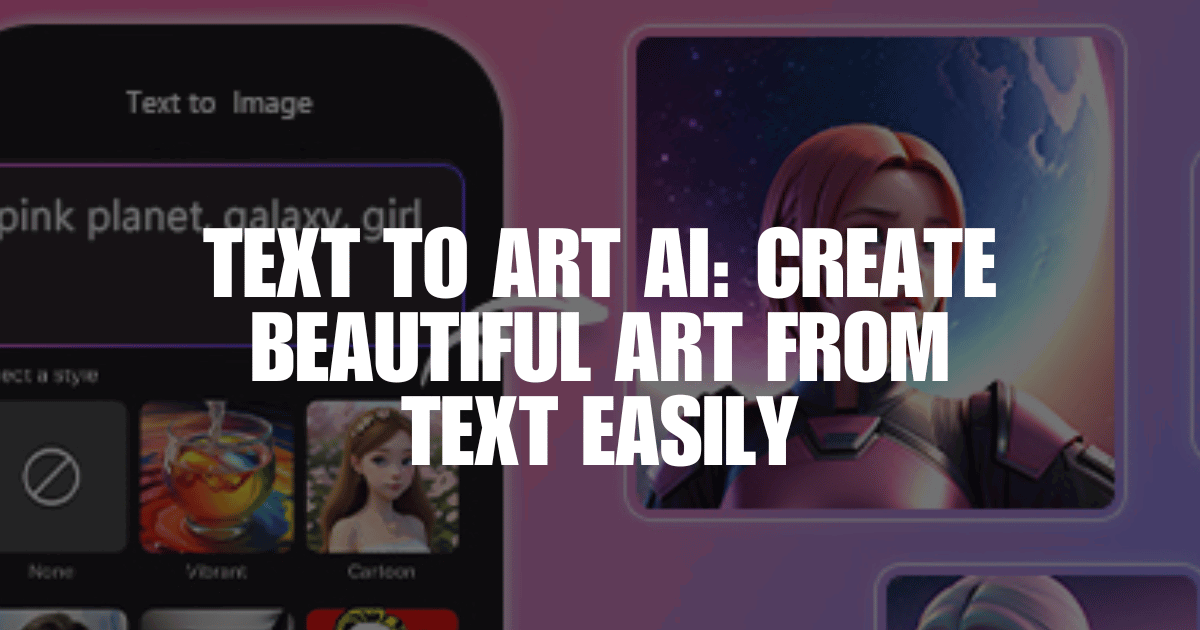
Art creation is no longer limited to painters or designers. With Text to Art AI, anyone can turn simple words into beautiful artwork using artificial intelligence. You don’t need drawing skills, expensive software, or years of practice. All you need is an idea and a short text prompt.
In this blog, we will explain what Text to Art AI is, how it works, best tools, benefits, limitations, legal safety, and future trends in very simple words.
What Is Text to Art AI?
Text to Art AI is becoming popular very fast because it makes art creation easy for everyone.
Main reasons:
- No drawing skills needed
- Fast image creation
- Low cost or free options
- Unlimited creativity
- Useful for many industries
People use it for fun, business, and professional work.
Why Text to Art AI Is Popular
Text to Art AI is a technology that creates artwork from written text. You describe what you want to see, and the AI turns your words into images or digital art.
For example, if you type:
“A colorful sunset over mountains in digital painting style”
the AI will generate an artwork based on that description.
It uses artificial intelligence to understand:
- Objects (people, animals, places)
- Colors and lighting
- Art styles (realistic, cartoon, anime, oil painting, etc.)
- Mood and creativity
Best Text to Art AI Tools
1. Midjourney
Best for: Beautiful, creative, and artistic images
Midjourney is famous for making very detailed and stylish artwork. Many people use it for fantasy art, portraits, landscapes, posters, and creative designs. The results often look like professional digital art.
Why it is good
- Very high-quality art
- Looks professional and creative
- Great for posters and concept art
- Many different art styles
Not good
- It mainly works through Discord
- Some beginners may feel it is a little confusing at first
Good for: Artists, designers, creative projects
2. DALL E
Best for: Simple and easy text-to-art generation
DALL·E is easy to use. You type your text prompt and the AI creates an image. It is good for people who want quick results without complicated settings.
Why it is good
- Very simple to use
- Good for creative ideas
- Makes clean and clear images
- Works well for social media and blogs
Not good
- Free usage may have limits
- Sometimes details may not be perfect
Good for: Beginners, bloggers, small projects
3. Stable Diffusion
Best for: People who want more control and customization
Stable Diffusion is popular because it can be used in many ways. Some people run it on websites, and some install it on computers. It gives more control, like changing styles, improving faces, and editing results.
Why it is good
- More control for users
- Many models and styles available
- Can create realistic or anime art
- Good for customizing results
Not good
- Needs some learning
- Can feel technical for beginners
Good for: Advanced users, custom art, experiments
4. Leonardo AI
Best for: Characters, game assets, and concept art
Leonardo AI is popular for making game-style images. It can create characters, backgrounds, and digital designs with good quality. It is also used for product designs and creative projects.
Why it is good
- Great for game and character art
- Good quality images
- Many style options
- Easy interface compared to advanced tools
Not good
- Free plan has daily limits
- Some features need paid plan
Good for: Game designers, creators, character art
5. NightCafe
Best for: Hobby users and quick artwork
NightCafe is easy and fun. You can choose different styles and create artwork quickly. It is good for people who want to try AI art without stress.
Why it is good
- Very beginner-friendly
- Many art styles
- Easy to generate images fast
- Good for fun and practice
Not good
- Free credits can finish quickly
- Quality may be lower than Midjourney in some cases
Good for: Beginners, hobby art, fast images
6.Canva AI
Best for: Social posts, posters, and simple design work
Canva has AI tools that can create images and also help you design posts. It is good if you want art plus ready-made templates for Instagram, Facebook, or business flyers.
Why it is good
- Easy drag-and-drop design
- Perfect for social media posts
- Templates + AI images in one place
- Great for marketing content
Not good
- Not always best for “artistic” images like Midjourney
- Some features are premium
Good for: Social media, marketing, business designs
Benefits of Text to Art AI
Text to Art AI offers many benefits:
- Easy for beginners
- Saves time
- Low cost
- No design skills required
- Unlimited creative ideas
You can test ideas quickly without hiring designers or artists.
Limitations of Text to Art AI
Even though it is powerful, it has some limitations:
- Images may look similar
- Limited control in free plans
- Not always perfect details
- AI may misunderstand prompts
Human creativity is still important for truly unique art.
Is Text to Art AI Legal and Safe?
Yes, Text to Art AI is legal and safe if used correctly.
Always remember:
- Check commercial usage rights
- Avoid copying copyrighted styles directly
- Follow platform rules and terms
Some tools offer royalty-free images, but always confirm before using them commercially.
Final Thoughts
Text to Art AI is changing how art is created. It allows anyone to turn text into beautiful artwork without special skills or tools.
It will not replace human artists, but it is a powerful tool for creativity, learning, and inspiration. Whether you are a beginner, content creator, or designer, Text to Art AI is worth trying.
Frequently Asked Questions (FAQ)
Q1. What is Text to Art AI?
Text to Art AI is a tool that creates artwork from written text. You describe an image, and the AI turns your words into art.
Q2. Do I need drawing or design skills?
No. You do not need any drawing or design skills. The AI creates the artwork for you.
Q3. Is Text to Art AI free to use?
Many Text to Art AI tools offer free plans with limits. For more images or higher quality, you may need a paid plan.
Q4. Can beginners use Text to Art AI?
Yes. Text to Art AI is beginner-friendly and very easy to use.
Q5. Can I use AI-generated art for commercial use?
Yes, but only if the tool allows commercial use. Always check the tool’s license and terms.